
This article helps you determine whether AdBlock is installed on your device, how to find it if it is, and how to install it if it isn’t.
On your computer
A quick way to tell whether AdBlock is installed is to look for the AdBlock icon on your browser's toolbar. The AdBlock icon looks like our logo, a white hand inside a stop sign:

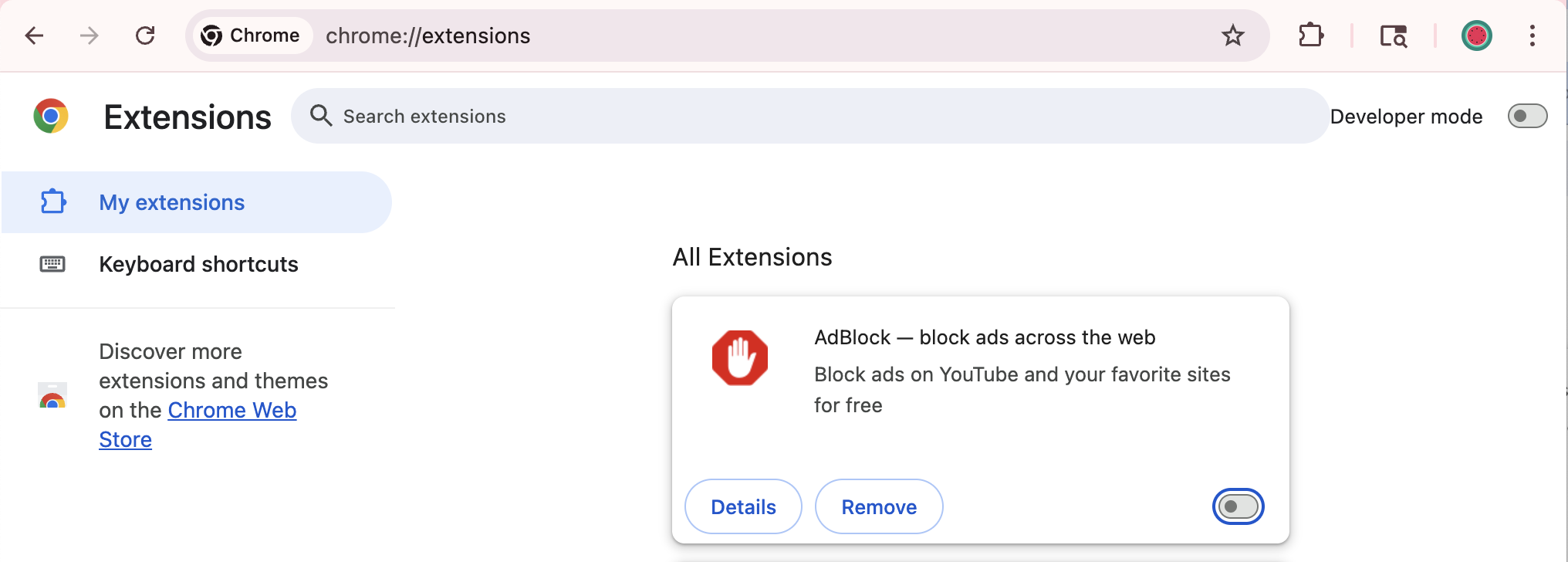
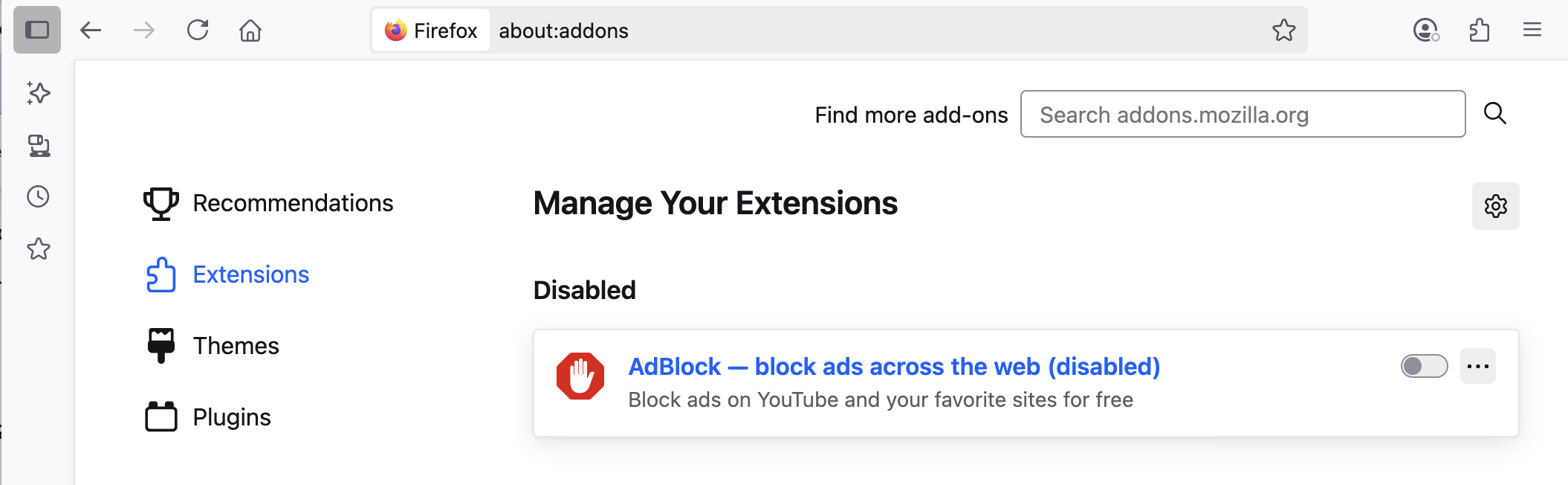
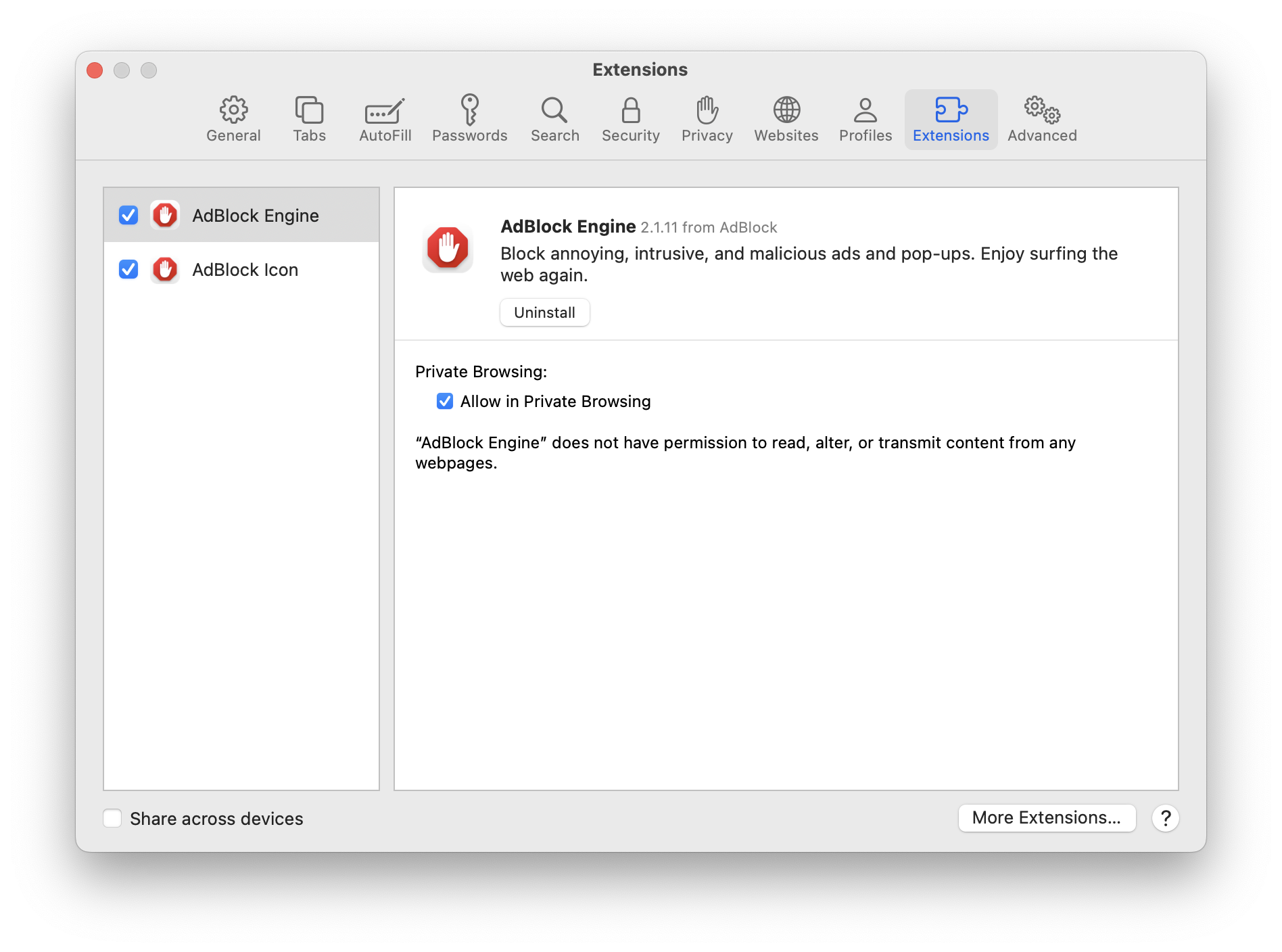
If the icon is not on your toolbar, the most definitive way to check is to look for AdBlock in the list of extensions installed in your browser:
-
In Chrome or Edge, type about:extensions in the address bar
-
In Firefox, type about:addons in the address bar, then click Extensions in the left sidebar
-
In Safari, go to Safari > Preferences > Extensions
Not installed?
If you don't see AdBlock in the list of extensions, you'll need to install it: How to install AdBlock.
Installed but not enabled?
Select the option to enable it:
Installed and enabled, but you don't see the AdBlock icon on the browser toolbar?
You'll need to select the option to show it: How to pin the AdBlock menu to your browser.
Need to enable your Premium upgrade?
Find steps here: Unlock AdBlock Premium.