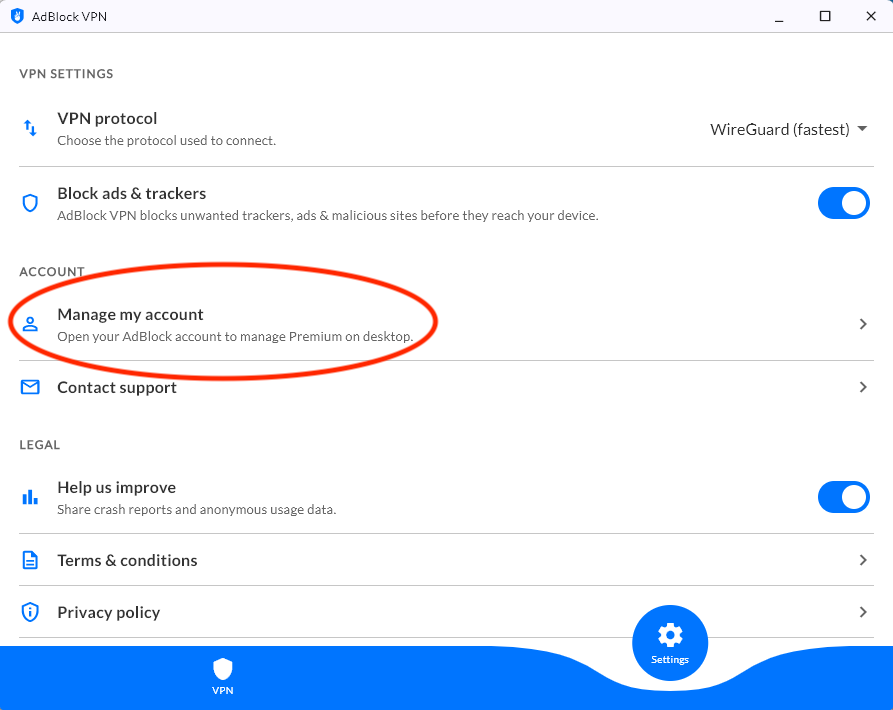
On the Account Management page you can see your renewal date, update your billing details, and cancel the auto-renewal of your subscription.
AdBlock for Chrome, Firefox, & Edge (Desktop)
Desktop extensions (Chrome, Firefox, Edge)
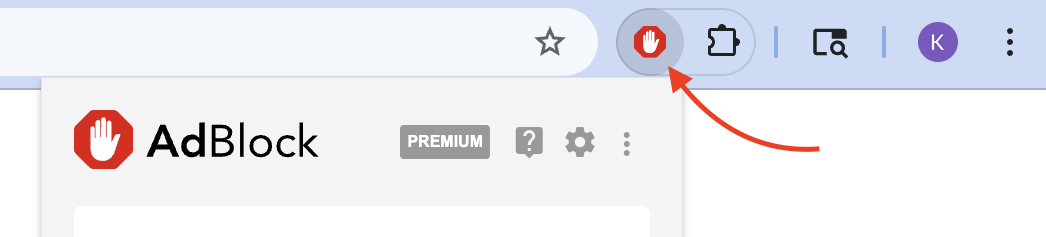
1. Click the AdBlock icon on your browser's toolbar.
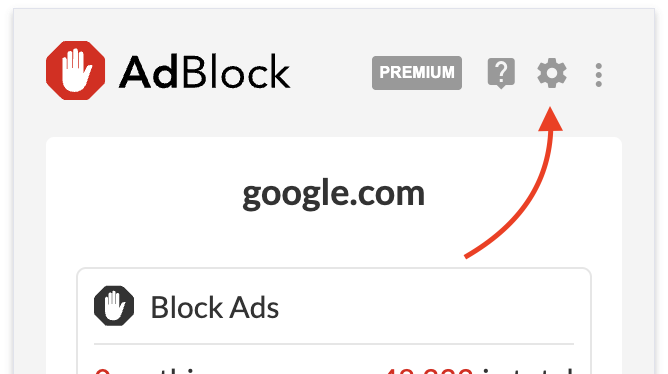
2. Click the gear icon on the pop-up menu.
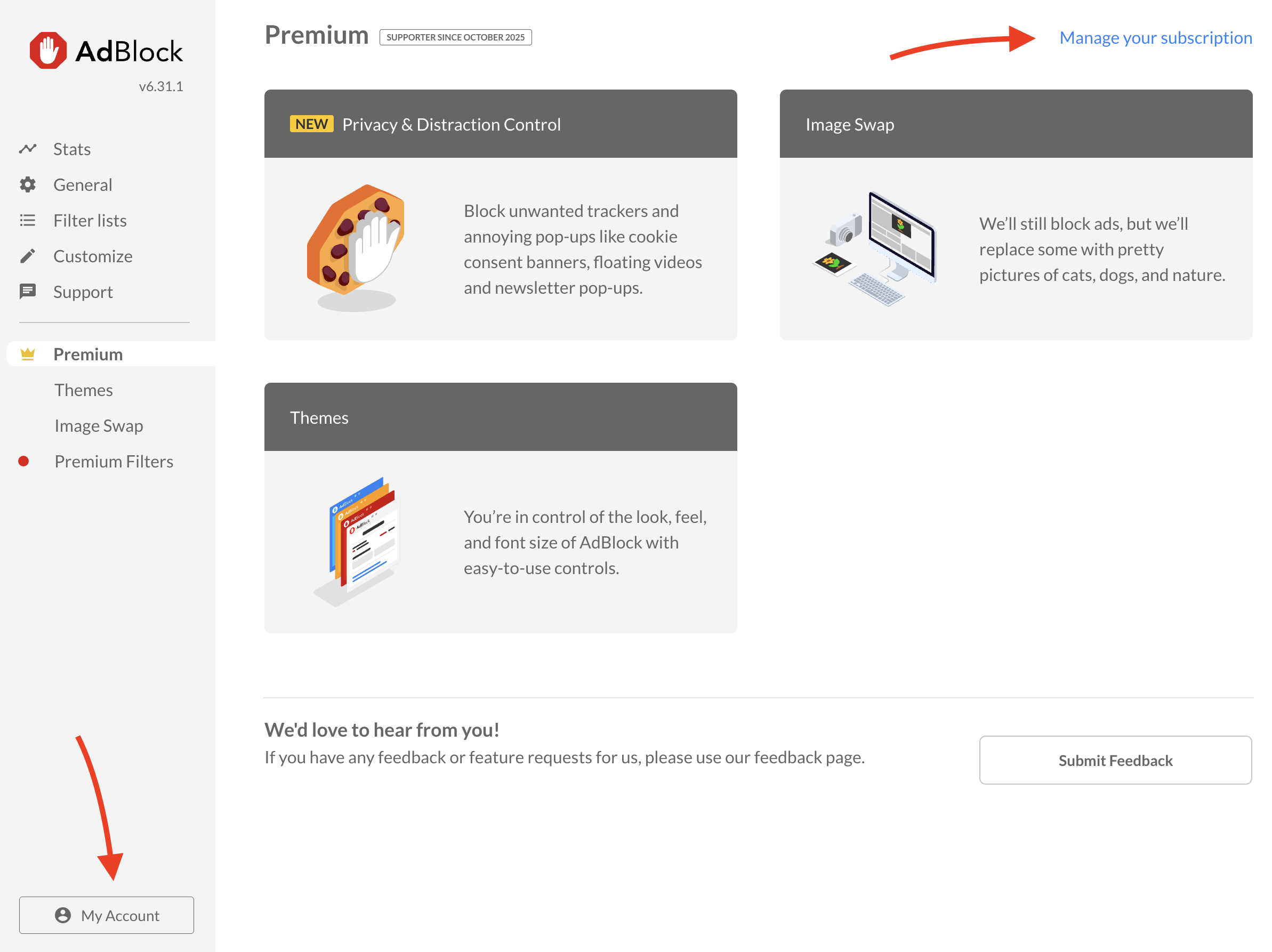
3. In AdBlock's Options, go to the Premium tab and then click on Manage your subscription or My Account.
4. Enter the email address associated with your subscription and click Send code.
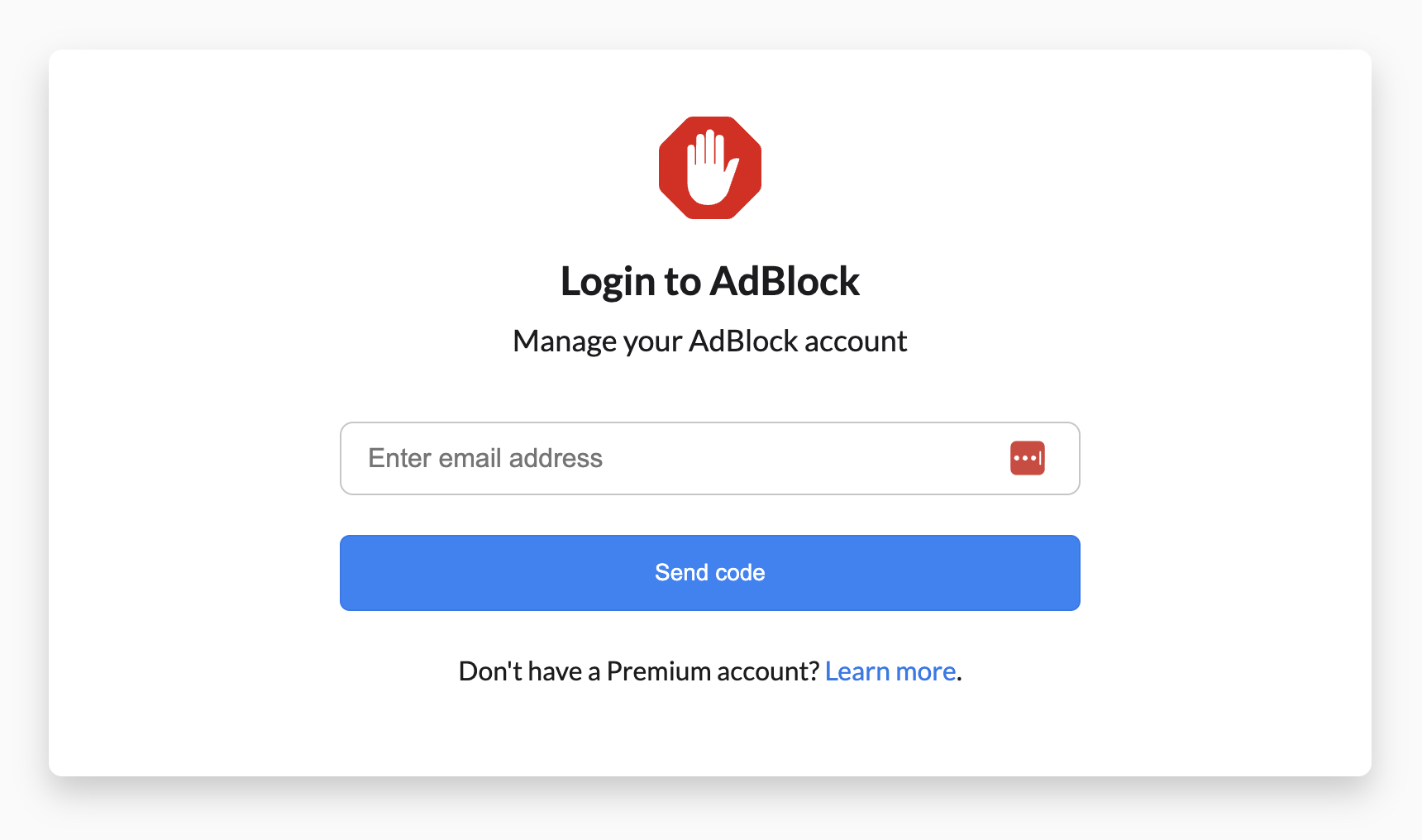
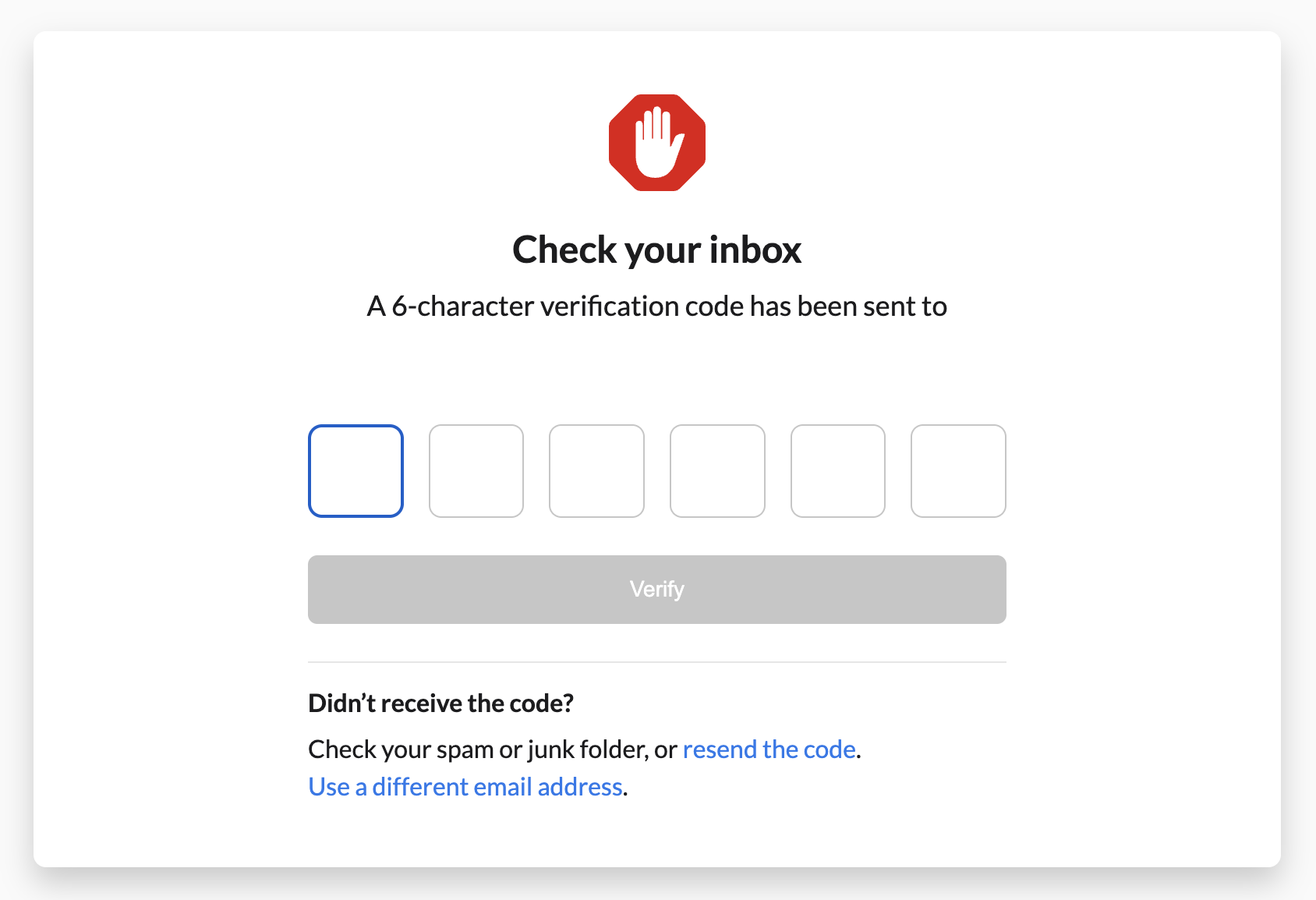
5. Check your email for the verification code and enter the code in the field provided.
AdBlock for Safari & VPN (Mac/iPhone/iPad)
AdBlock for Safari & VPN
-
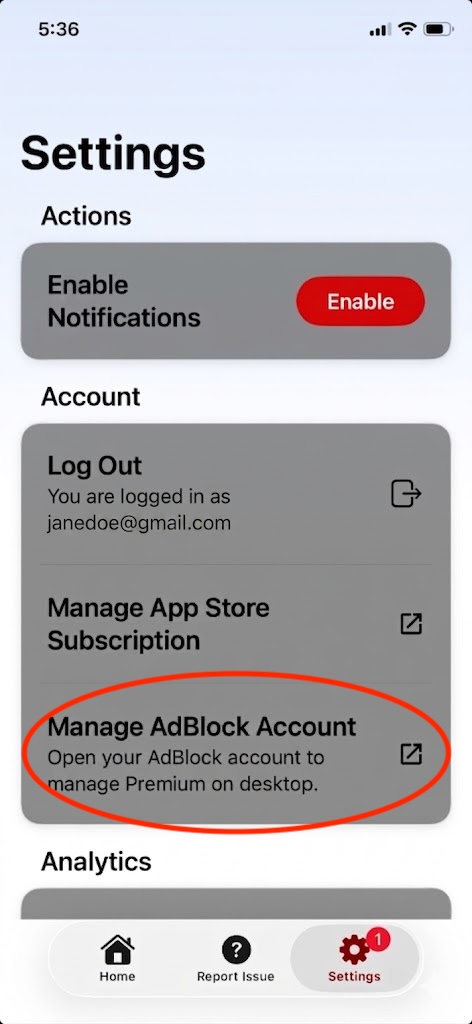
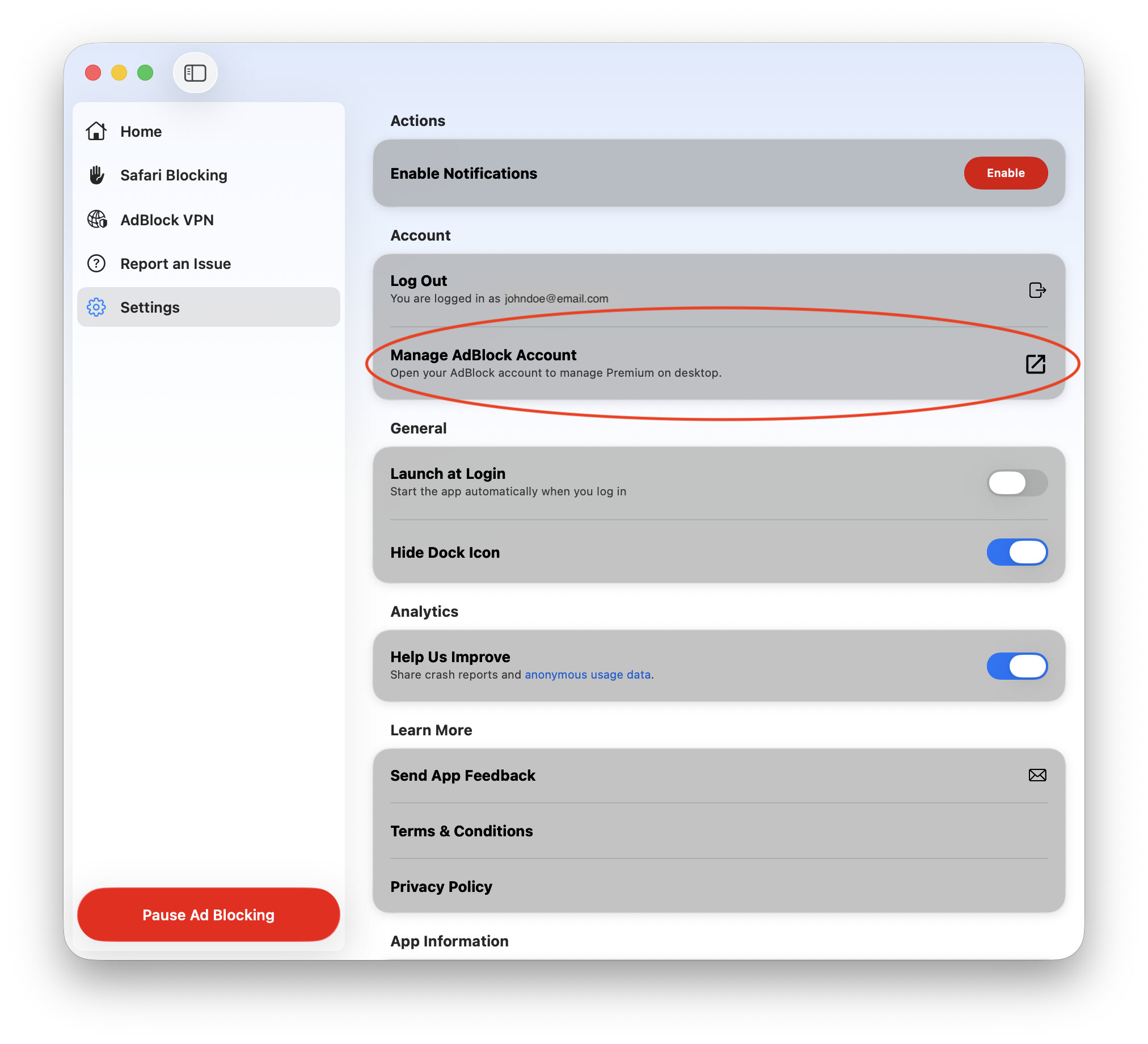
Open AdBlock for Safari + VPN app.
-
Go to Settings.
-
Select Manage AdBlock Account.
|
|
AdBlock VPN (Windows/Android)
AdBlock VPN
-
Open AdBlock VPN app.
-
Go to Settings.
-
Select Manage my account.