
The following information applies to AdBlock desktop extensions on Chrome, Edge, and Firefox.
-
For the AdBlock for Safari Mac app, visit: Allowlisting, Pausing, and Disabling AdBlock for Safari.
-
For mobile apps, visit: How can I pause and unpause AdBlock on my mobile device?
What is allowlisting?
When you add a site to your allowlist, you are telling AdBlock to allow ads on that site every time you visit. Historically, AdBlock would retain that site on your allowlist until you removed it. Now, AdBlock uses smart allowlisting, which keeps the site on your allowlist for seven days. If you visit the site again in those seven days, AdBlock will extend the allowlist for another seven days. If you don't visit the site within those seven days, the site will be removed from your allowlist, and ads will be blocked again.
Where can I view my allowlist?
-
Click the AdBlock icon on your browser's toolbar. If you don't see it, be sure to pin it.
-
Click the gear icon.
-
Click on the Customize tab.
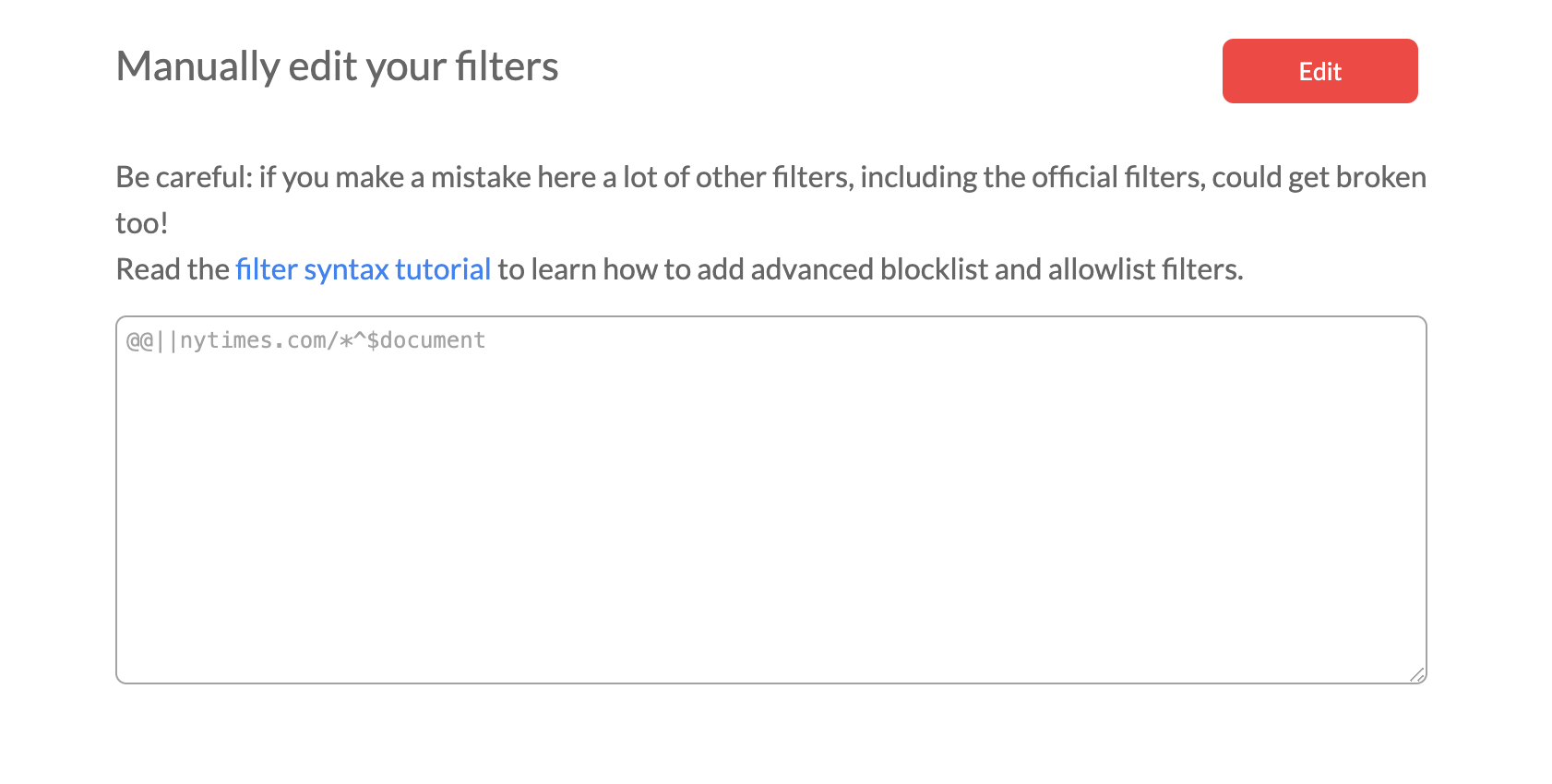
Under Manually edit your filters, you'll see a box listing any filter rules you've created and sites you've allowlisted. In the example below, http://nytimes.com has been allowlisted:
Add or remove a site on your allowlist
There are two ways to add or remove a site:
Other options for disabling AdBlock
There are several other ways to tell AdBlock where it’s okay to show you ads.